


For older & low-end hardware
A minimal system with the bare essentials, tuned for recycling older machines into working classroom devices.
In developmentA Linux distribution built for classrooms and institutions. Free of licensing costs, free of bloatware, free of unnecessary telemetry, and under the control of the people who run it.
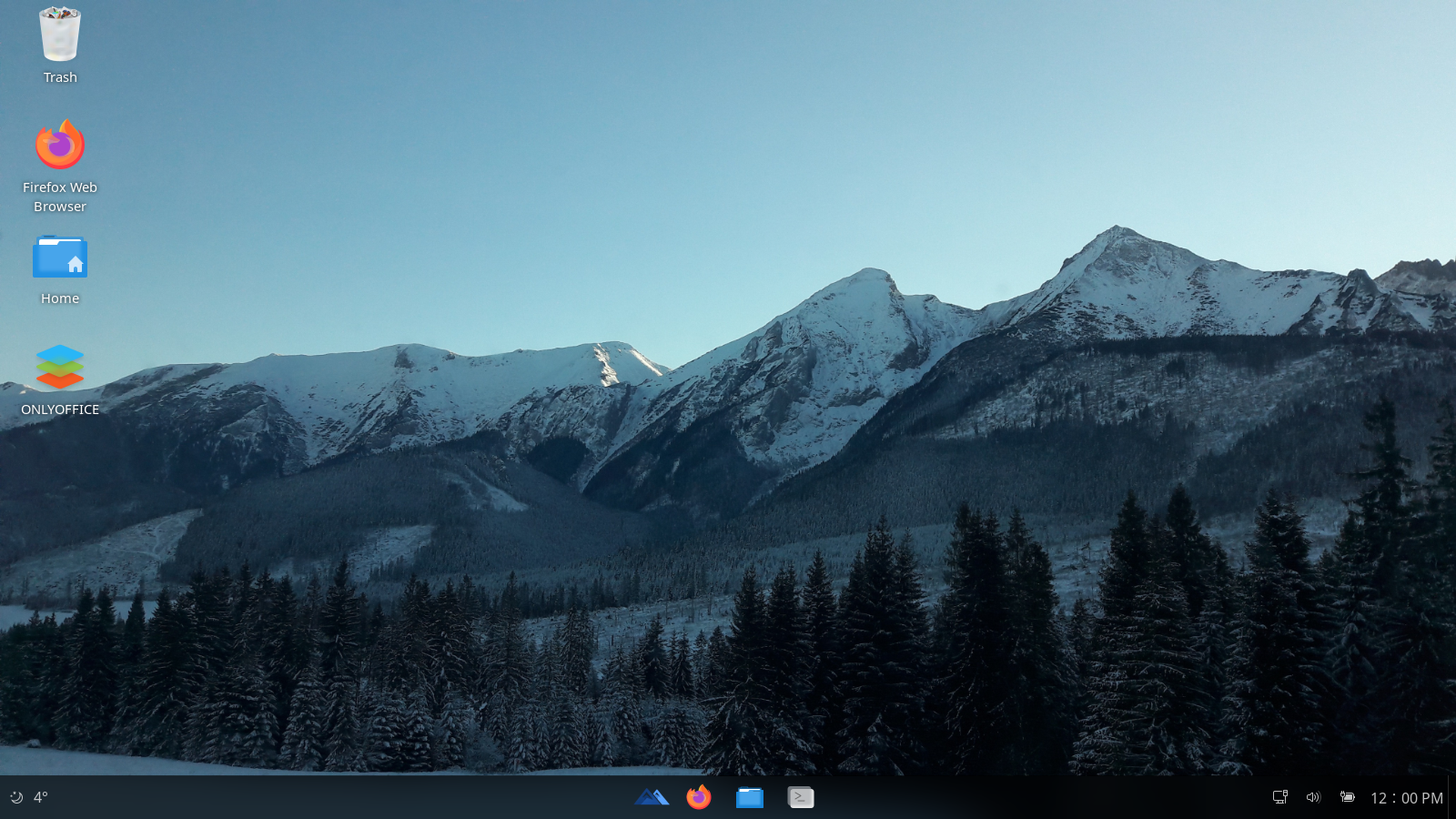
Commercially licensed operating systems force a trade: pay per device, accept what gets installed, and surrender control of the machines your students depend on.
The vendor decides what installs, when updates arrive, and what runs in the background. Schools should decide, not a remote service agreement.
Unnecessary telemetry and preinstalled tracking are the default on commercial systems. A school network should not be an analytics product.
Working machines get discarded because the operating system outgrows them. A system tuned to its hardware keeps devices in service longer.
Licensing costs scale with every device in the fleet, and grow again with every upgrade cycle. That money should go to teaching.
EDYOU OS keeps the interface students already understand: a taskbar, an application menu, a file manager, and removes everything that gets in the way.
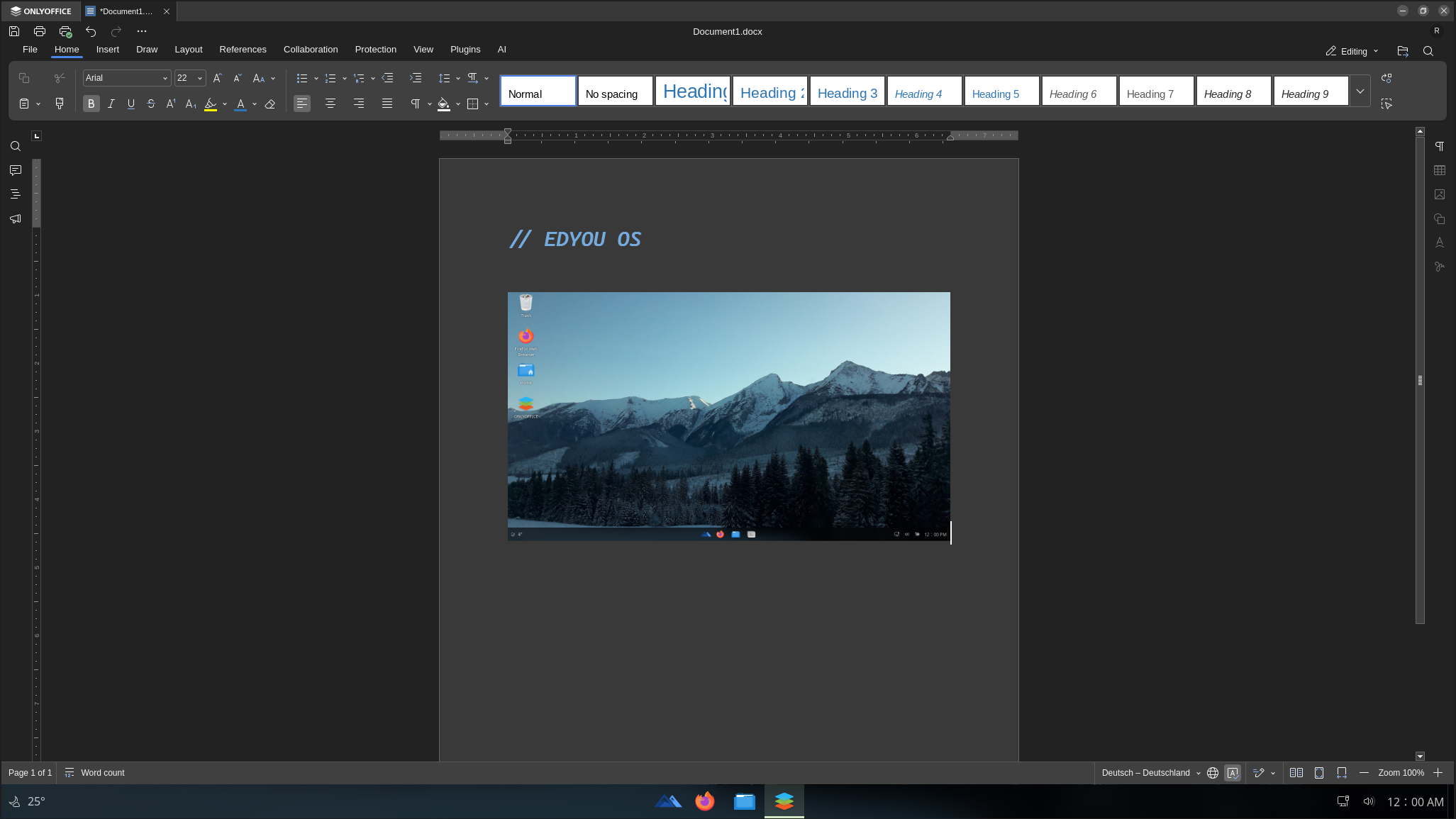
Real internals, composed with the actual icon set. Select an area to inspect it.
Familiar layout. Nothing to relearn.
Application menu
 Firefox
 OnlyOffice
 GIMP
GIMP Pidgin
 Python
 VS Code
 Terminal
 Software
 Chromium
 VLC
VLC GCompris
 Kanagram
Open source compatibility with all common formats.
No virtualization required.
A school network should not be an analytics product.
Questions, feedback and code.
Every capability below is designed for how a school actually runs, not inherited from a general-purpose product.
Select a capability to see the details.
Schools manage devices, updates and software centrally. Root access is built in. Any command can be executed with sudo when you need to, and locked down when you don't.
No unnecessary telemetry. A controlled network architecture keeps system exposure restricted, and a carefully selected package set keeps the attack surface minimal.
No bloatware, no unnecessary services, nothing preinstalled that a classroom doesn't need. Tuned for a broad range of systems, including the ones already on your shelves.
OnlyOffice for full Microsoft Office and OpenDocument compatibility, Firefox as the default browser, Flatpak for software, and a preloaded set of educational tools from Scratch and Thonny to GIMP and Minetest.
One image, every device identical. Teachers and students work in the same configuration, which makes support predictable and classrooms consistent.
Every machine runs the identical setup, so students focus on the lesson instead of the operating system.
Central control over devices, updates and software. Root access when you need it, restricted exposure by default.
Install from USB or DVD, image machines at scale, and manage a fleet under one architecture: x86_64, from labs to offices.
Built on Ubuntu LTS, with official support planned through June 2029. A system you can plan around.
EDYOU OS is designed to run efficiently on a broad range of hardware, including older machines that commercial systems have left behind.
| Component | Minimum | Recommended |
|---|---|---|
| Architecture | x86_64 | x86_64 |
| Firmware | UEFI or BIOS | UEFI with Secure Boot |
| CPU | 2 GHz processor | 2.5 GHz quad-core |
| Memory | 4 GB RAM | 8 GB RAM |
| Disk | 20 GB free | 50 GB free |
| Display | 1024 × 768 | 2560 × 1440 |
| Media | USB or DVD drive | USB or DVD drive |
EDYOU OS is licensed under the GNU General Public License v3. The entire system: build scripts, plugins, and configuration are public and open to modification and redistribution.

github.com/DevAnthony038/EDYOU-OS/LICENSE
$ git clone https://github.com/DevAnthony038/EDYOU-OS
$ cd EDYOU-OS
$ make            # build the current language
$ make all        # build all languages
$ make clean      # remove build artifacts
$ make fast       # build fast config (de_DE, en_US)
# ISOs are written to ./src/distThe ISO is built per language. Choose the edition that fits your hardware.
The recommended edition. Includes the complete desktop environment, OnlyOffice, Firefox, the Flatpak app center, and the preloaded educational tools.
A language choice is required. The ISO is built per language.
A minimal system with the bare essentials, tuned for recycling older machines into working classroom devices.
In developmentNo desktop environment, command-line only, for maximum performance and minimal resource usage on servers.
In developmentDistribution also runs on BitTorrent. If you download by torrent, keep seeding afterwards. Every seeder keeps the ISO available for the next school. Torrent files in the repository →
Choose your language and grab the EDYOU OS 1.0.2 image (~2.7 GB).
Use Rufus, Etcher or similar, or dd on Linux, to create bootable media.
Boot from the drive and follow the installer. UEFI and BIOS are both supported.
Everything you need to install, administer, and contribute.
Installation guide, system requirements, networking, development setup, customization and FAQ.
Read the documentationAsk questions, share ideas, and shape the direction of the project with the people who build it.
Join GitHub DiscussionsThe EDYOU OS ISO is built per language. Select the build you want to download.